 Placeholder photo
PrototypeProduct: TermoHubpolymer products manufacturing
Manufacturing tracking
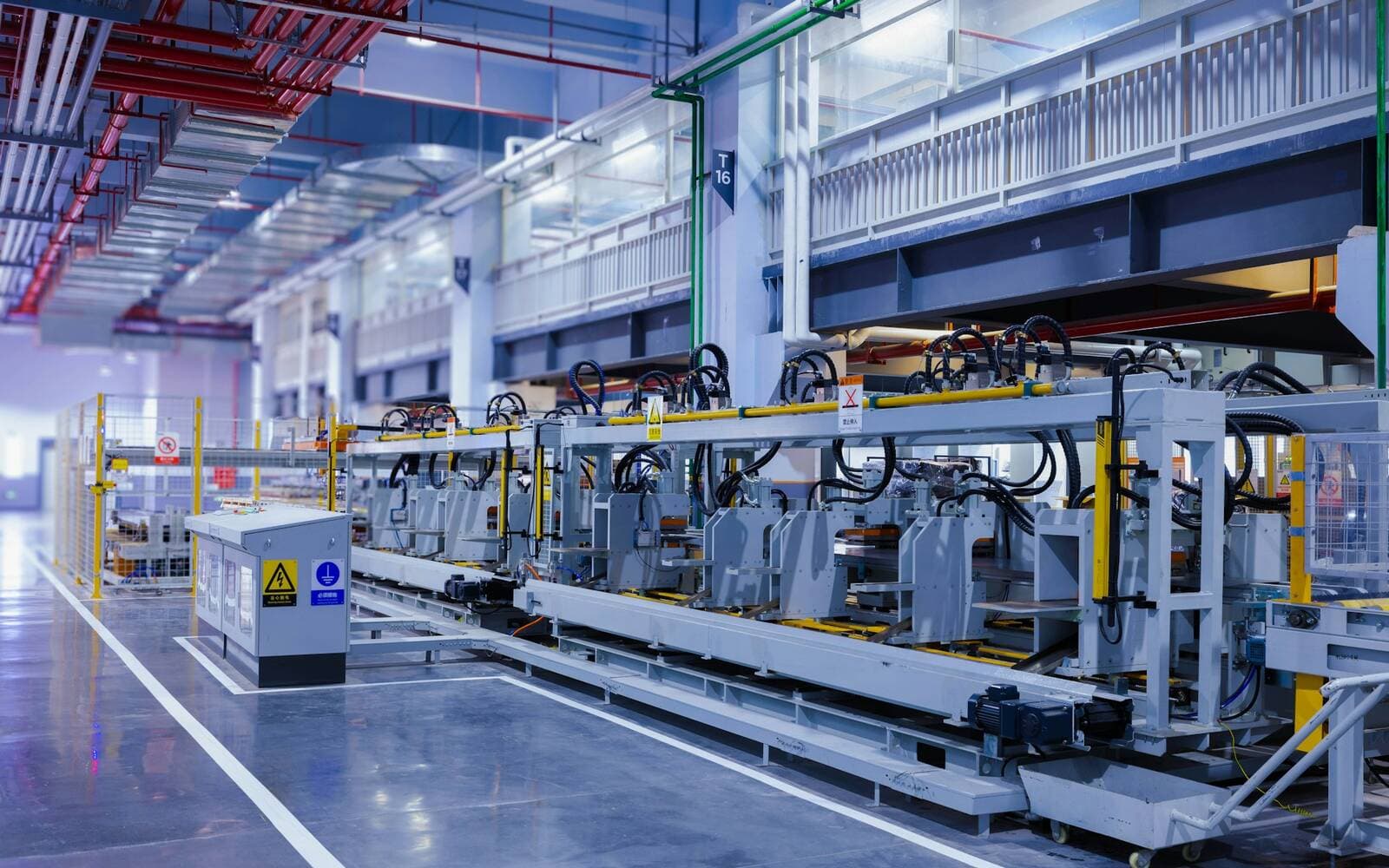
Shop-floor tracking of finished goods: scan at the station, build the shipment in the app, keep working with no network.
Service
We build apps for iOS and Android: workstations for staff and apps connected to your system. Data syncs with the server, and work doesn't stop when the network drops.
Animation: cards scroll on a phone screen while data travels between the phone and the server — sync in both directions.
Situations that bring people to us for this service.
People on shift, out in the field or on the shop floor note things on paper or in a messenger, and someone later re-enters it into the system.
An app that doesn't work offline stops the work or loses data.
What staff do on the phone reaches the manager late — or not at all.
Separate iOS and Android apps double the work, both in development and in support.
We work out who uses the app and where, what it must do first and what gets in people's way.
Screens for real working conditions: short scenarios and a visible state for every action — accepted or not.
One codebase for both platforms — though we still choose the technology to fit the task.
Records are stored on the phone first and sent as soon as there is a connection — nothing lost, nothing duplicated.
An edit made on the phone shows up in the web panel, and access rules are the same on every screen.
Barcodes and photos for reports and tickets straight from the phone camera; notifications about what needs action.
We prepare the app for the App Store and Google Play, including the privacy notice and the account deletion page.
After launch we keep improving the app based on user feedback.
The project path
Every step ends with a decision: go on or stop. We don't start the next one until the previous one has given its answer.
You describe the process and what gets in the way. We reply by email with questions and arrange a call.
We study the process with the people who work in it and write down what the system must change and how we will check it.
We build a working prototype of the key scenario to test the idea on real data rather than on polished screens.
We run the system in your real environment with agreed outcome criteria and a deadline. After the pilot we decide together whether to go further.
We bring it to daily use: reliability, access rights, links to other software, documentation, support. Then we develop it based on user feedback.
Systems where we have already done this kind of work.
Placeholder photoShop-floor tracking of finished goods: scan at the station, build the shipment in the app, keep working with no network.
 Placeholder photo
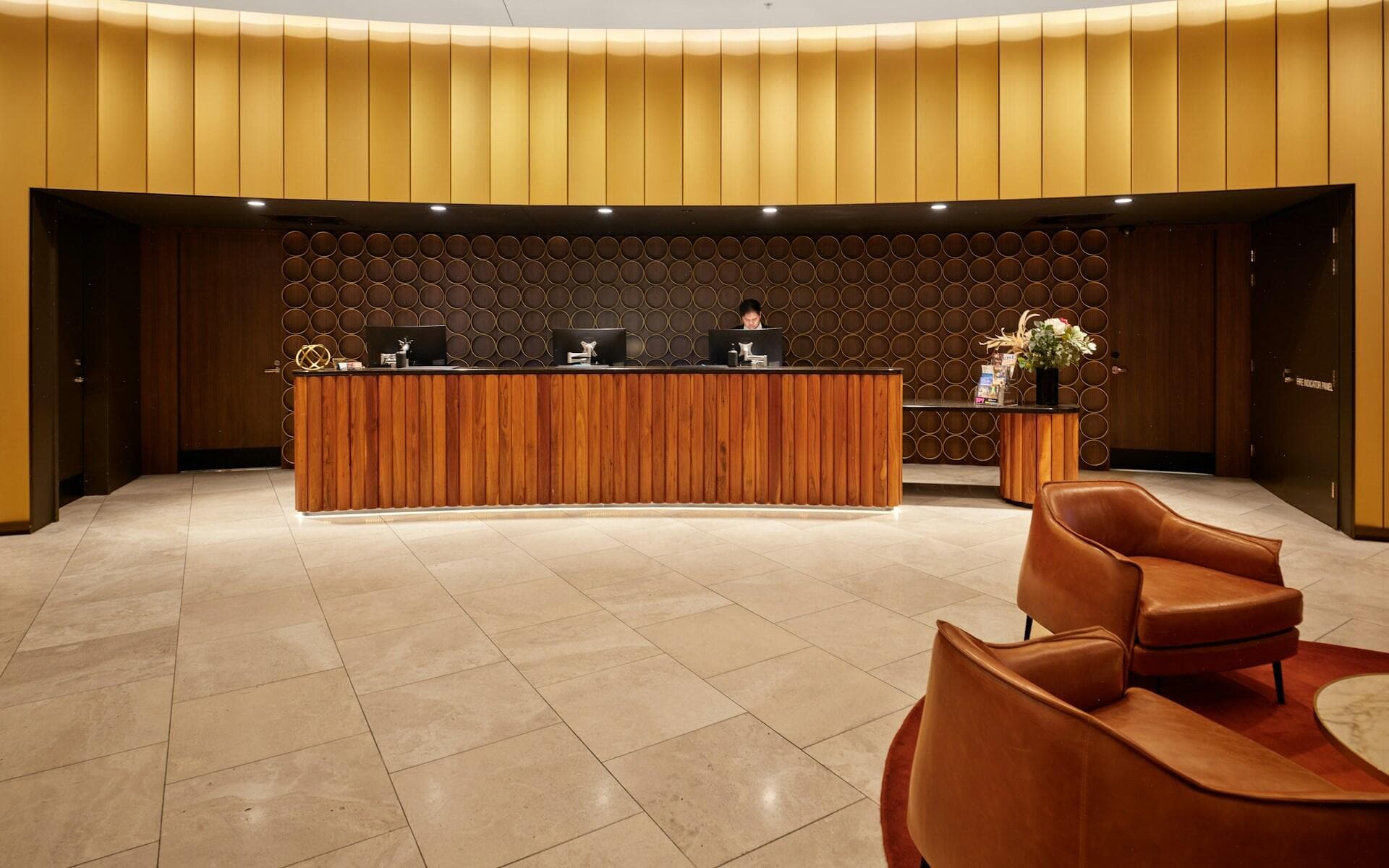
One system for hotels and restaurants: rotas, training that gates shift access and maintenance tickets, in staff apps and a manager back office.
 Placeholder photo
IMtech's own product: managing personal and company projects, plus a finance tracker and a health tracker, in one system across phone, browser and desktop.
Usually one codebase for both platforms: that means less work in development and in support. We still choose the technology to fit the task.
Yes, if the work requires it. We have already built apps where records are stored on the phone and sent as soon as the network is back — nothing lost, nothing duplicated.
Yes. We prepare the app and what the stores need: the listing description, the privacy notice and the account deletion page.
Through the server: the app exchanges data with it, and the server with your accounting system or other software. Access rules are the same in the app and in the web panel.
Describe it in a few sentences: how things work today and what gets in the way. We reply by email with questions on the next business day.
Get in touch