
 Placeholder photo
LiveUnder NDAcorporate catering and lunch delivery
Corporate catering
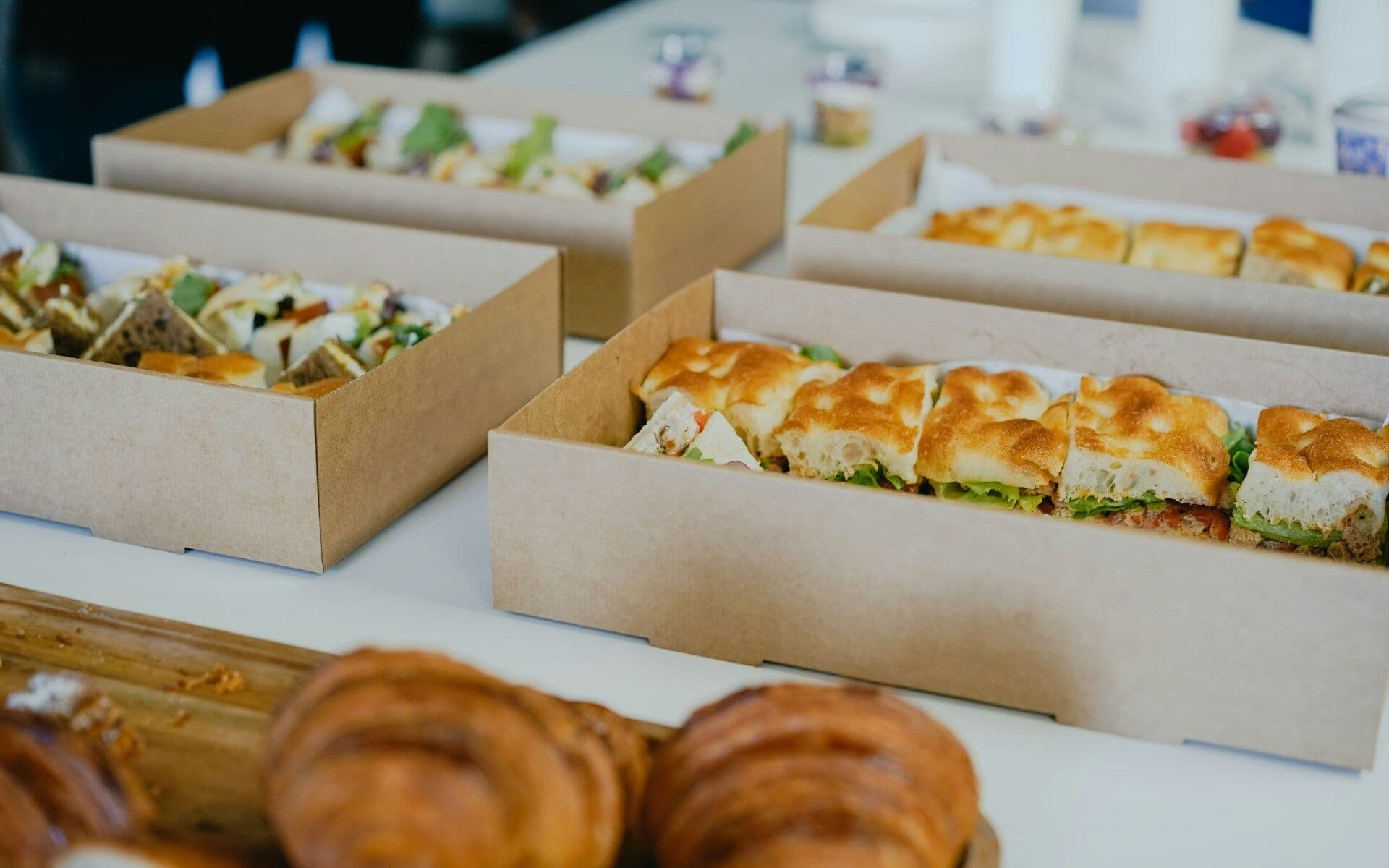
A corporate lunch platform: staff order a week ahead, the company sets the limit, the kitchen gets ready-made labels and sheets.
Service
We build web portals with accounts for different roles: customers order and see statuses, companies set rules and limits, suppliers manage their catalogue. One system, and everyone sees only their own part.
Animation: a shared system sends data to three separate role accounts in turn, and each one shows only its own rows.
Situations that bring people to us for this service.
Customers can't order, change or check a status themselves — only by email or phone.
Customer, company and supplier swap spreadsheets, and someone merges them by hand.
Limits, who pays and until when an order can be changed are written down nowhere.
A shared spreadsheet shows everyone everything, although each needs only their own part.
Who uses the portal, what each sees and changes, where responsibility passes on.
Separate accounts — for example, for employees, companies and suppliers — in one system.
Orders placed in advance with a cut-off after which they can't be changed; requests with statuses, documents and correspondence.
Branches, offices, employees, a daily spending limit and who pays — in the company account.
Categories, items, main and extra menus, hidden items, photos.
A payment service and a check that the payment really went through.
Spreadsheets, PDFs and labels on a schedule — emailed to those who need them.
The project path
Every step ends with a decision: go on or stop. We don't start the next one until the previous one has given its answer.
You describe the process and what gets in the way. We reply by email with questions and arrange a call.
We study the process with the people who work in it and write down what the system must change and how we will check it.
We build a working prototype of the key scenario to test the idea on real data rather than on polished screens.
We run the system in your real environment with agreed outcome criteria and a deadline. After the pilot we decide together whether to go further.
We bring it to daily use: reliability, access rights, links to other software, documentation, support. Then we develop it based on user feedback.
Systems where we have already done this kind of work.
Placeholder photoA corporate lunch platform: staff order a week ahead, the company sets the limit, the kitchen gets ready-made labels and sheets.
 Placeholder photo
Rate quoting and transport request management for a European road carrier, its partners and end customers.
As many as your process has. In the corporate catering case study there are four: employee, company, caterer and system administrator.
Yes. In the corporate catering case study employees pay through LiqPay, and the system checks that the payment really went through.
Yes — exchanging data with what already works is one of our principles. What to pass across we decide during discovery.
Describe it in a few sentences: how things work today and what gets in the way. We reply by email with questions on the next business day.
Get in touch