
 Placeholder photo
LiveUnder NDAcorporate catering and lunch delivery
Corporate catering
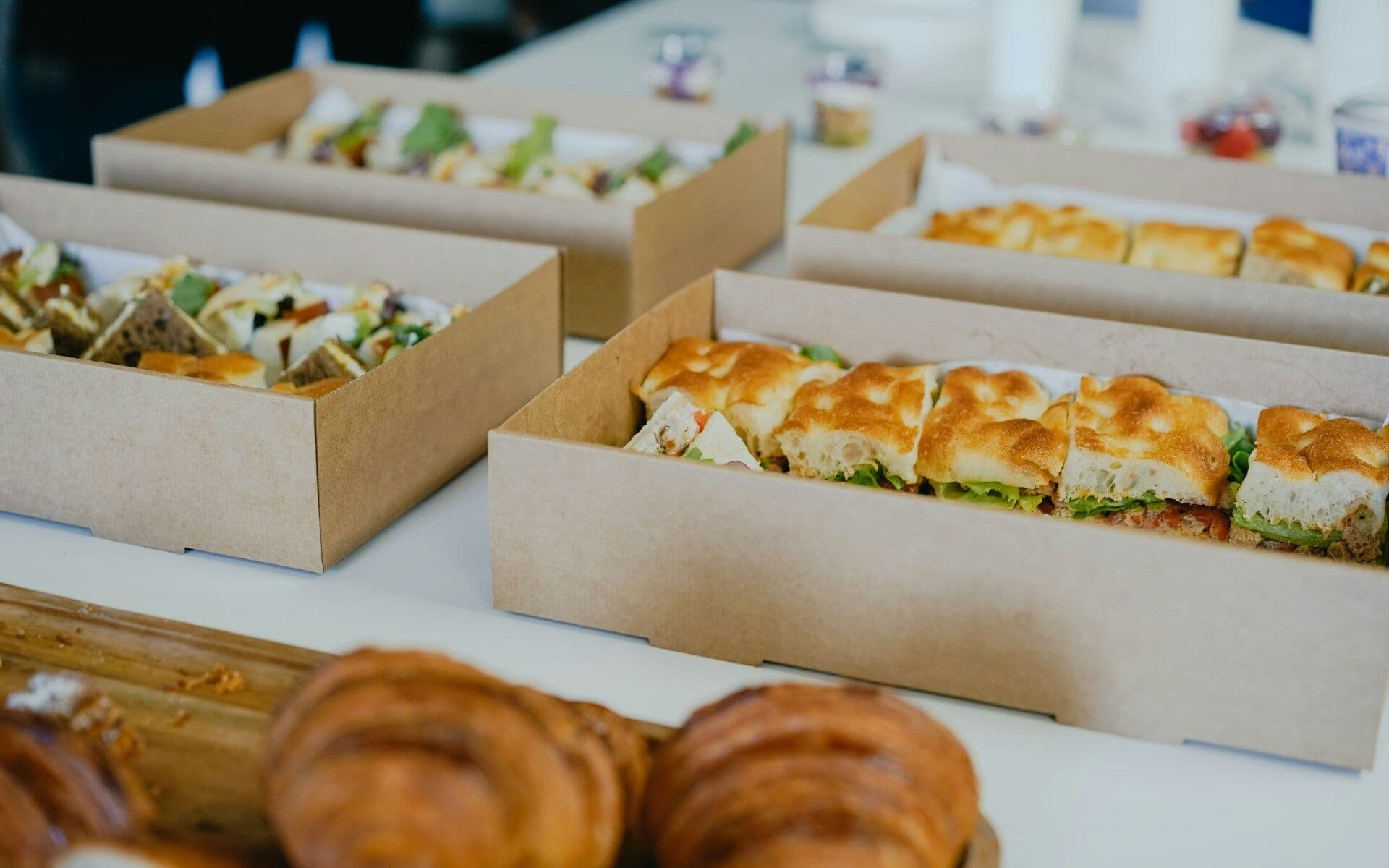
A corporate lunch platform: staff order a week ahead, the company sets the limit, the kitchen gets ready-made labels and sheets.
Service
We automate the documents in your process: spreadsheets, PDFs and labels the system builds from its data and emails on a schedule; documents and correspondence attached to a request; documents to sign and staff records.
Animation: data from orders, requests and shifts flies into a generator, documents come out one by one and stack up, and on schedule the stack is sealed in an envelope and flies off — the mailing.
Situations that bring people to us for this service.
Spreadsheets for the kitchen, warehouse or delivery are compiled from chats and tables every week.
Finding the right file for an order means going through correspondence.
Who received what and whether they signed is chased separately.
The data is in the system, but the report is still compiled by hand.
Which documents are needed, for whom, from which data and when.
Excel spreadsheets, PDFs and labels are built from orders, requests and shifts — without manual compiling.
The system produces documents at the right time and sends them to the right people.
Attached documents, PDFs and emails live in the request card next to its statuses.
Staff receive documents to sign in the app, and staff records are kept in the back office.
A PDF report with selectable columns and totals.
Who sees and changes documents depends on their role; actions leave a record.
The project path
Every step ends with a decision: go on or stop. We don't start the next one until the previous one has given its answer.
You describe the process and what gets in the way. We reply by email with questions and arrange a call.
We study the process with the people who work in it and write down what the system must change and how we will check it.
We build a working prototype of the key scenario to test the idea on real data rather than on polished screens.
We run the system in your real environment with agreed outcome criteria and a deadline. After the pilot we decide together whether to go further.
We bring it to daily use: reliability, access rights, links to other software, documentation, support. Then we develop it based on user feedback.
Systems where we have already done this kind of work.
Placeholder photoA corporate lunch platform: staff order a week ahead, the company sets the limit, the kitchen gets ready-made labels and sheets.
 Placeholder photo
Rate quoting and transport request management for a European road carrier, its partners and end customers.
 Placeholder photo
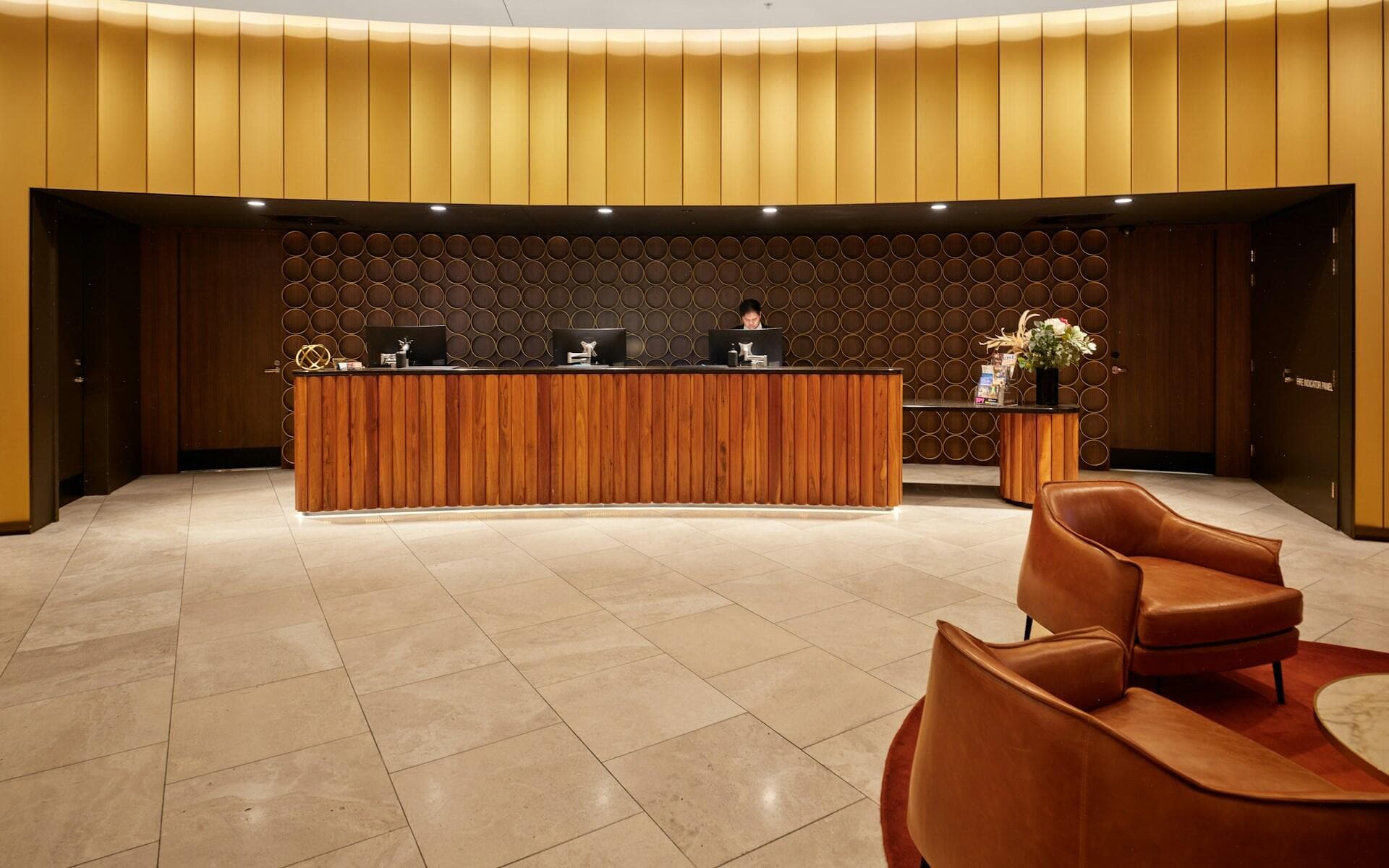
One system for hotels and restaurants: rotas, training that gates shift access and maintenance tickets, in staff apps and a manager back office.
From what is already in the system: orders, requests, shifts. So nothing has to be copied across by hand.
Yes, we build the document template to your requirements: which fields, in what order, for whom.
Documents for staff to sign are part of the prototype system for restaurants and hotels. Whether you need a qualified electronic signature, and which one, we decide for the task.
Describe it in a few sentences: how things work today and what gets in the way. We reply by email with questions on the next business day.
Get in touch