
 Placeholder photo
LiveProduct: SweetTravelfood service — a coffee shop
Coffee shop management
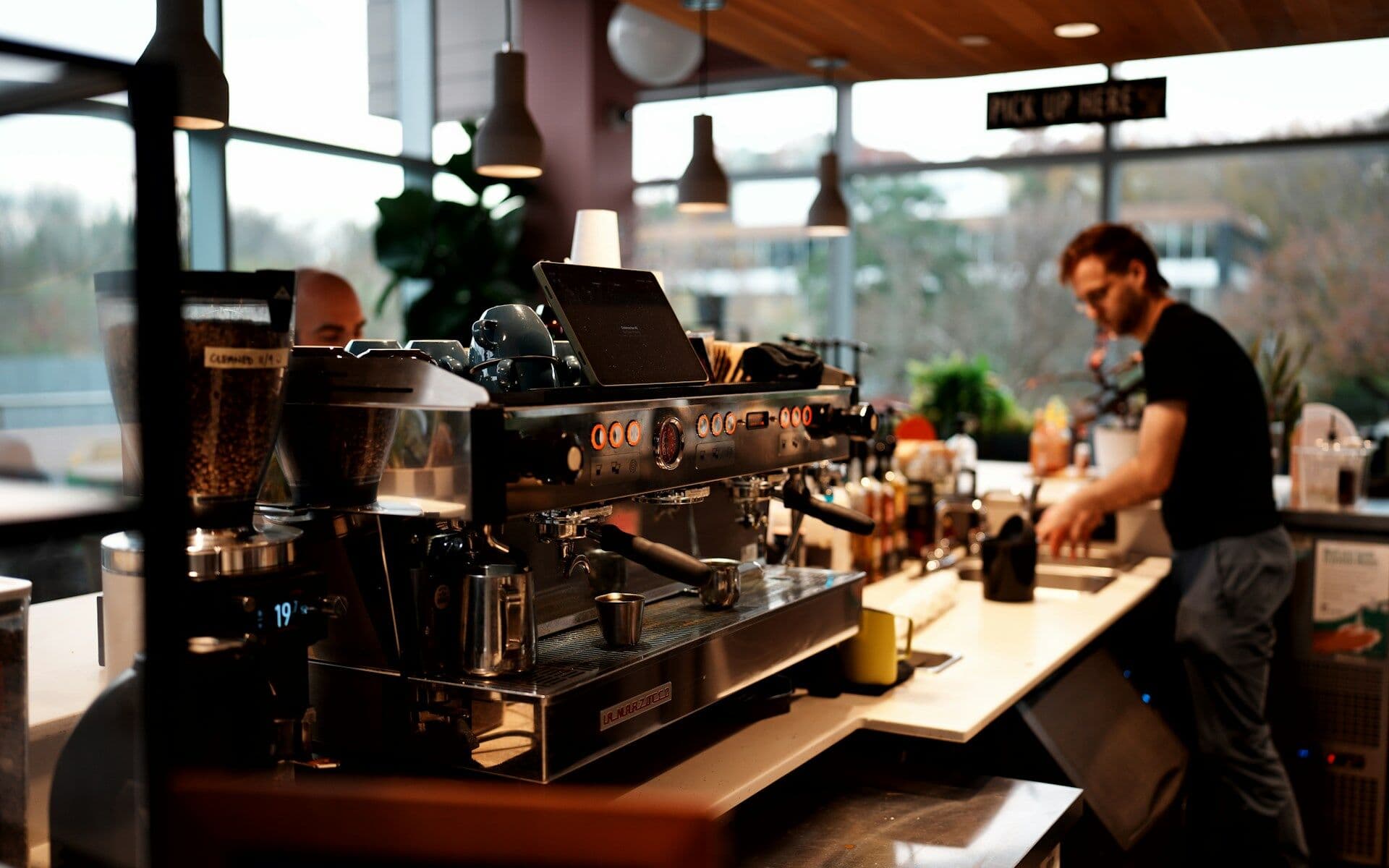
Work-time and stock tracking for a coffee shop: staff check in for shifts in a Telegram bot, the manager runs schedules and reminders in a web dashboard.
Service
We build tracking of goods and materials around your warehouse: stock issues from the phone, barcode scans, dispatch by shipment, issue permissions and an action log. In our case studies this means stock issues in a café and finished-goods dispatch at a plant.
Animation: a box leaves a rack slot, passes through a scanner frame that lights up and lands on a dispatch pallet, while a row appears in the log.
Situations that bring people to us for this service.
Products or materials are taken without a record, and shortages can't be explained later.
Dispatches are kept on paper, and the accounting system sees the result late.
There's no person responsible for each issue — so no answer to “who and when”.
The network drops, and tracking stops or gets duplicated.
What moves where, who may take it and who confirms.
Items with units and search — managed by you.
Staff choose an item, quantity and unit and add a photo if needed; today's entry can be cancelled.
Only roles that are allowed to can take stock.
A barcode scan answered “accepted / not accepted”, a shipment with containers, a vehicle and a route sheet, and a check before departure.
Operations are stored on the phone and sent as soon as the connection returns — none counted twice.
Every issue and every manager action leaves a record.
Staff lists and barcodes sync with the software you already run.
The project path
Every step ends with a decision: go on or stop. We don't start the next one until the previous one has given its answer.
You describe the process and what gets in the way. We reply by email with questions and arrange a call.
We study the process with the people who work in it and write down what the system must change and how we will check it.
We build a working prototype of the key scenario to test the idea on real data rather than on polished screens.
We run the system in your real environment with agreed outcome criteria and a deadline. After the pilot we decide together whether to go further.
We bring it to daily use: reliability, access rights, links to other software, documentation, support. Then we develop it based on user feedback.
Systems where we have already done this kind of work.
Placeholder photoWork-time and stock tracking for a coffee shop: staff check in for shifts in a Telegram bot, the manager runs schedules and reminders in a web dashboard.
 Placeholder photo
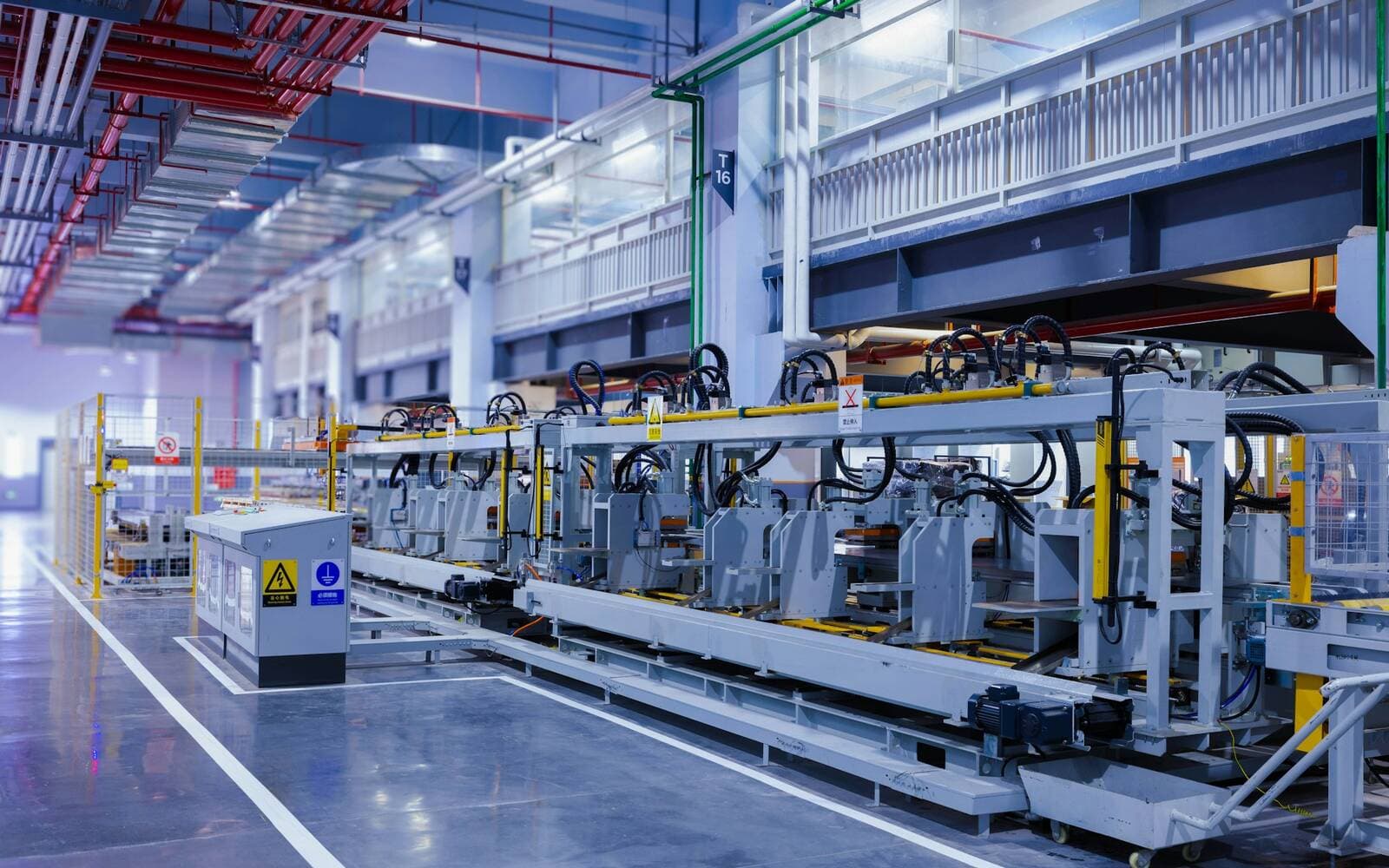
Shop-floor tracking of finished goods: scan at the station, build the shipment in the app, keep working with no network.
It can, if your process needs it. In our published case studies tracking is built on issues and dispatches with a person responsible; how to calculate stock levels in your case we decide during discovery.
Not necessarily. In the café, stock issues go through a Telegram Mini App — no separate app; at the plant, through a mobile app with scanning.
Operations are stored on the phone and sent as soon as the network is back; none is counted twice.
Describe it in a few sentences: how things work today and what gets in the way. We reply by email with questions on the next business day.
Get in touch