
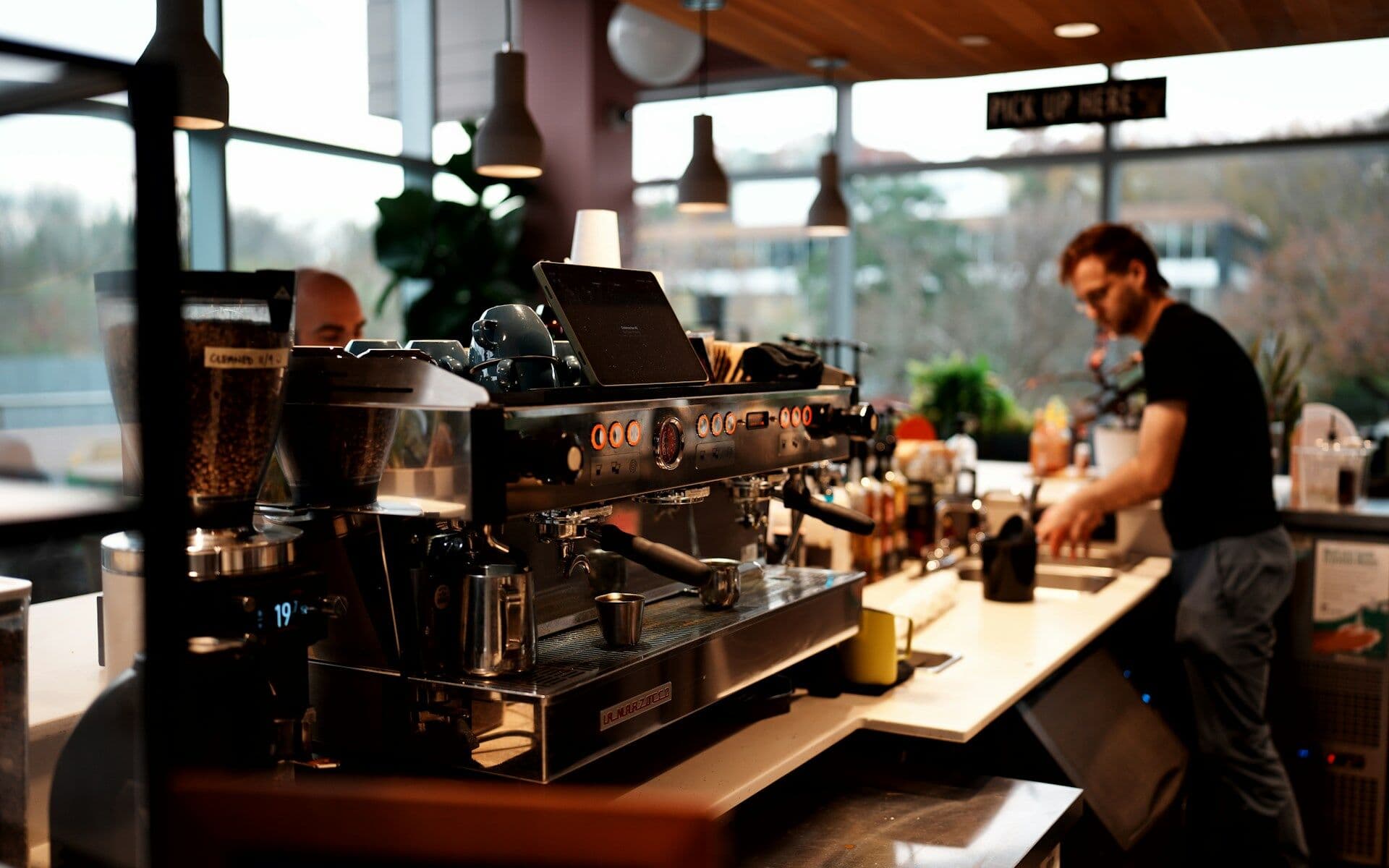
 Placeholder photo
LiveProduct: SweetTravelfood service — a coffee shop
Coffee shop management
Work-time and stock tracking for a coffee shop: staff check in for shifts in a Telegram bot, the manager runs schedules and reminders in a web dashboard.
Service
We build staff tracking around your rota: roles and hours, weekly templates and shift cycles, check-ins in a bot or app, reminders and closing forgotten shifts, staff records and clearance for work.
Animation: a weekly rota fills with shifts, then today's cells are marked with check-ins one by one, a late check-in flashes, and a clock hand goes round.
Situations that bring people to us for this service.
Nobody can see in the moment who came in, who was late and whether the shift was closed.
The timesheet is filled in at the end of the month — with mistakes and disputes.
Swaps and shifts are agreed in a chat, and the final version is hard to find.
Records, documents to sign and access are kept in different places.
Roles with hours for each day of the week, weekly templates or cycles such as 2-on/2-off, exceptions for specific dates.
Clock-in and clock-out with one button in a Telegram bot or an app; sharing location is optional.
The system reminds staff, notifies the manager if someone hasn't checked in, and closes forgotten shifts itself; the manager sets when reminders go out.
The manager publishes the rota and sets swaps, staff confirm their shift; check-ins can be corrected by hand.
Who is on shift now, shift history and calendar, an action log.
A PDF attendance report with selectable columns and totals.
Staff records, documents to sign, invitations and access requests.
A shift opens only for people who have completed the required training.
The project path
Every step ends with a decision: go on or stop. We don't start the next one until the previous one has given its answer.
You describe the process and what gets in the way. We reply by email with questions and arrange a call.
We study the process with the people who work in it and write down what the system must change and how we will check it.
We build a working prototype of the key scenario to test the idea on real data rather than on polished screens.
We run the system in your real environment with agreed outcome criteria and a deadline. After the pilot we decide together whether to go further.
We bring it to daily use: reliability, access rights, links to other software, documentation, support. Then we develop it based on user feedback.
Systems where we have already done this kind of work.
Placeholder photoWork-time and stock tracking for a coffee shop: staff check in for shifts in a Telegram bot, the manager runs schedules and reminders in a web dashboard.
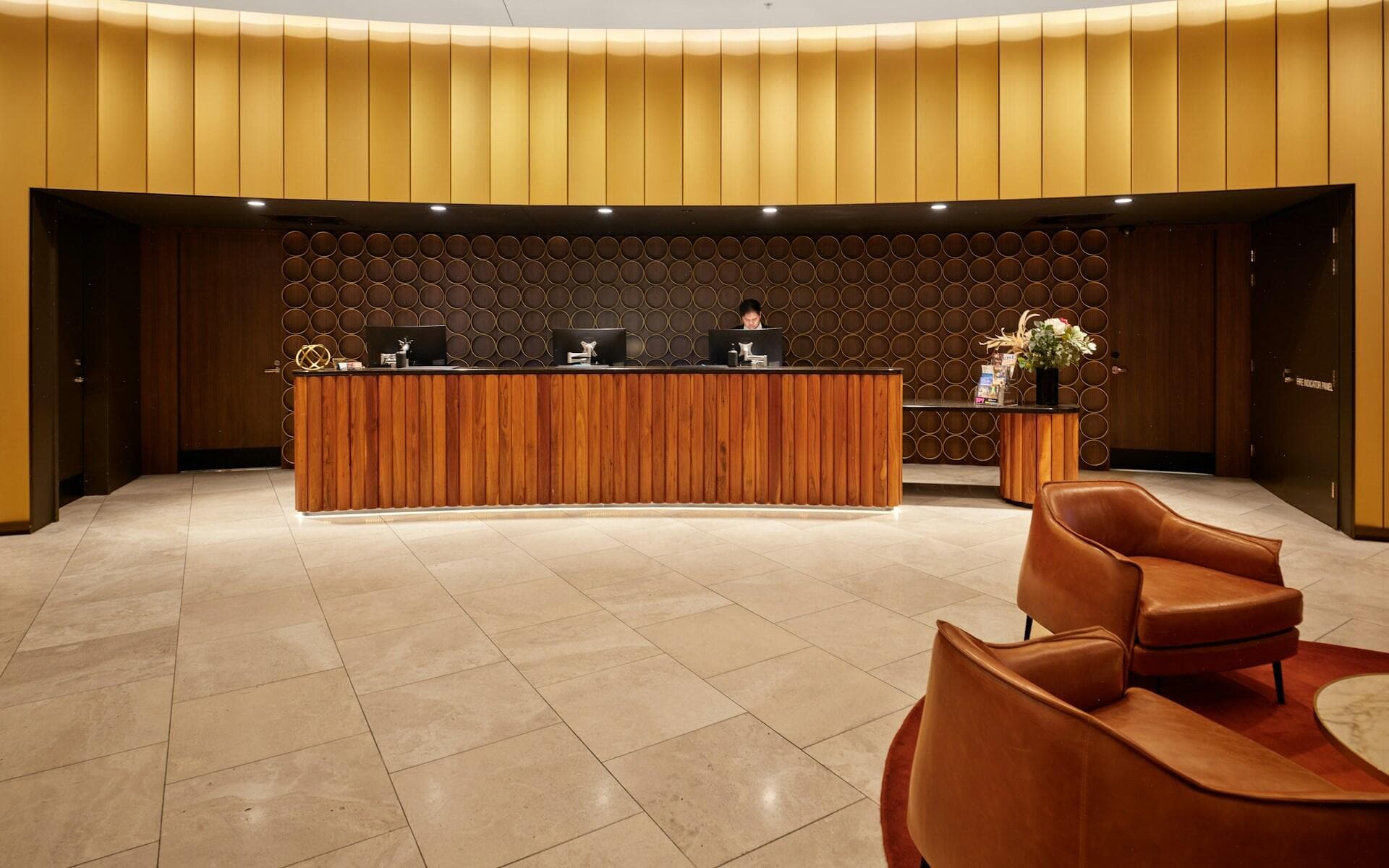 Placeholder photo
One system for hotels and restaurants: rotas, training that gates shift access and maintenance tickets, in staff apps and a manager back office.
Not necessarily: in the café, staff check in through a Telegram bot — they connect once with a code and then use buttons.
No. In the café case study location can be left out — the check-in still counts. Whether you need it we decide together.
Not in our published case studies: they cover shift tracking and attendance reports. Calculating pay by your rules we discuss separately for the task.
Yes. First a prototype, then a pilot in one place, and only after that do we decide whether to extend it.
Describe it in a few sentences: how things work today and what gets in the way. We reply by email with questions on the next business day.
Get in touch