
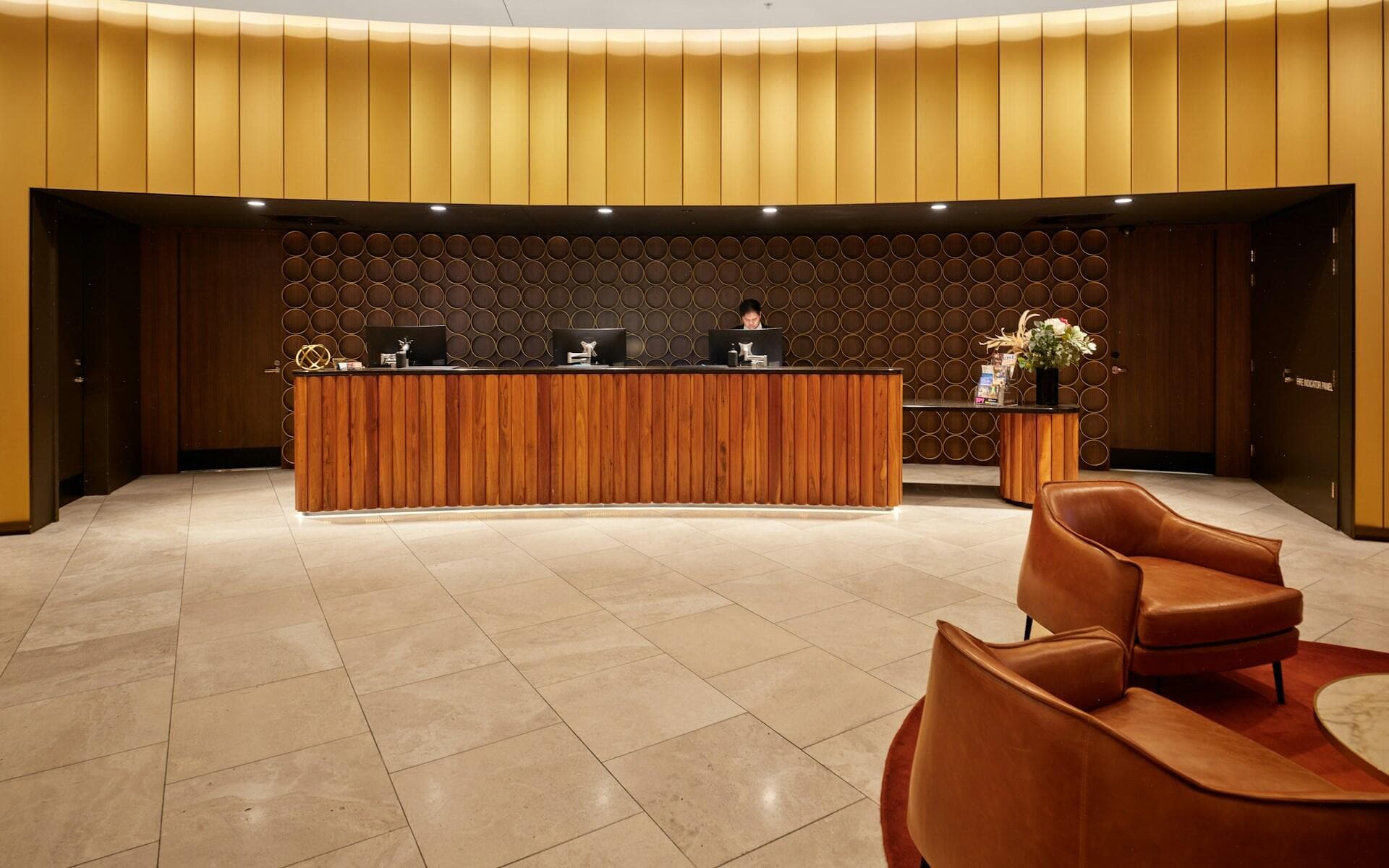
 Placeholder photo
PrototypeProduct: Vatrahospitality and food service
Restaurant and hotel operations
One system for hotels and restaurants: rotas, training that gates shift access and maintenance tickets, in staff apps and a manager back office.
Service
We build ticket systems for internal teams: who reported it, how much it gets in the way, who picked it up, how much time has passed and who confirmed it was closed. Our basis is the maintenance tickets in the system for restaurants and hotels (a prototype).
Animation: a ticket moves from the queue to an assignee, the response bar fills and stops during a pause, then the ticket goes to the reporter, who confirms it's closed.
Situations that bring people to us for this service.
Tickets live in calls and chats, and the team can't see the whole queue.
Every reporter thinks theirs matters most, and priorities are set at random.
How long a ticket waited and why isn't visible, and a pause for spare parts loses track.
The assignee closed the ticket, but the reporter doesn't agree with the result.
What tickets there are, who reports, who fixes and which deadlines matter to whom.
The reporter describes the problem from their phone and says how much it disrupts work.
The team sets the priority; an assignee queue distributes the tickets.
A timer on each ticket that stops while the ticket is paused.
Every action on a ticket is recorded in a log that can't be rewritten.
The reporter closes the ticket by confirming the result; at the end there's a completion report.
Reporter, assignee, team lead — each with their own permissions.
The project path
Every step ends with a decision: go on or stop. We don't start the next one until the previous one has given its answer.
You describe the process and what gets in the way. We reply by email with questions and arrange a call.
We study the process with the people who work in it and write down what the system must change and how we will check it.
We build a working prototype of the key scenario to test the idea on real data rather than on polished screens.
We run the system in your real environment with agreed outcome criteria and a deadline. After the pilot we decide together whether to go further.
We bring it to daily use: reliability, access rights, links to other software, documentation, support. Then we develop it based on user feedback.
Systems where we have already done this kind of work.
Placeholder photoOne system for hotels and restaurants: rotas, training that gates shift access and maintenance tickets, in staff apps and a manager back office.
Any internal support — maintenance, IT or customer support. The mechanism is the same: a queue, priority, a deadline, a log and confirmed closure.
So that “closed” means “done”: the assignee has reported back, and the person who raised it agrees with the result.
Maintenance tickets are part of the prototype system for restaurants and hotels: the apps run on demo data, and the server side is still ahead.
Describe it in a few sentences: how things work today and what gets in the way. We reply by email with questions on the next business day.
Get in touch